Fernando
Fernando re-creates the radio from the Grand Theft Auto® games you already own, in your pocket, in your car, and on your Mac.

Six games, one dial
Fernando reads the audio straight out of a copy you already own. Nothing is streamed, nothing is downloaded — it just plays what's already on your disc.
-
Grand Theft Auto III
- PC or Steam
- PlayStation 2
-
Grand Theft Auto: Vice City
- PC or Steam
- PlayStation 2
-
Grand Theft Auto: San Andreas
- PC or Steam
- PlayStation 2
-
Grand Theft Auto: Liberty City Stories
- PlayStation 2
-
Grand Theft Auto: Vice City Stories
- PlayStation 2
-
Grand Theft Auto IV
- PC or Steam
- PlayStation 3
- PC or Steam
- PlayStation disc
You point Fernando at the game's own audio files once, and the station line-up comes across with them.
Where it belongs
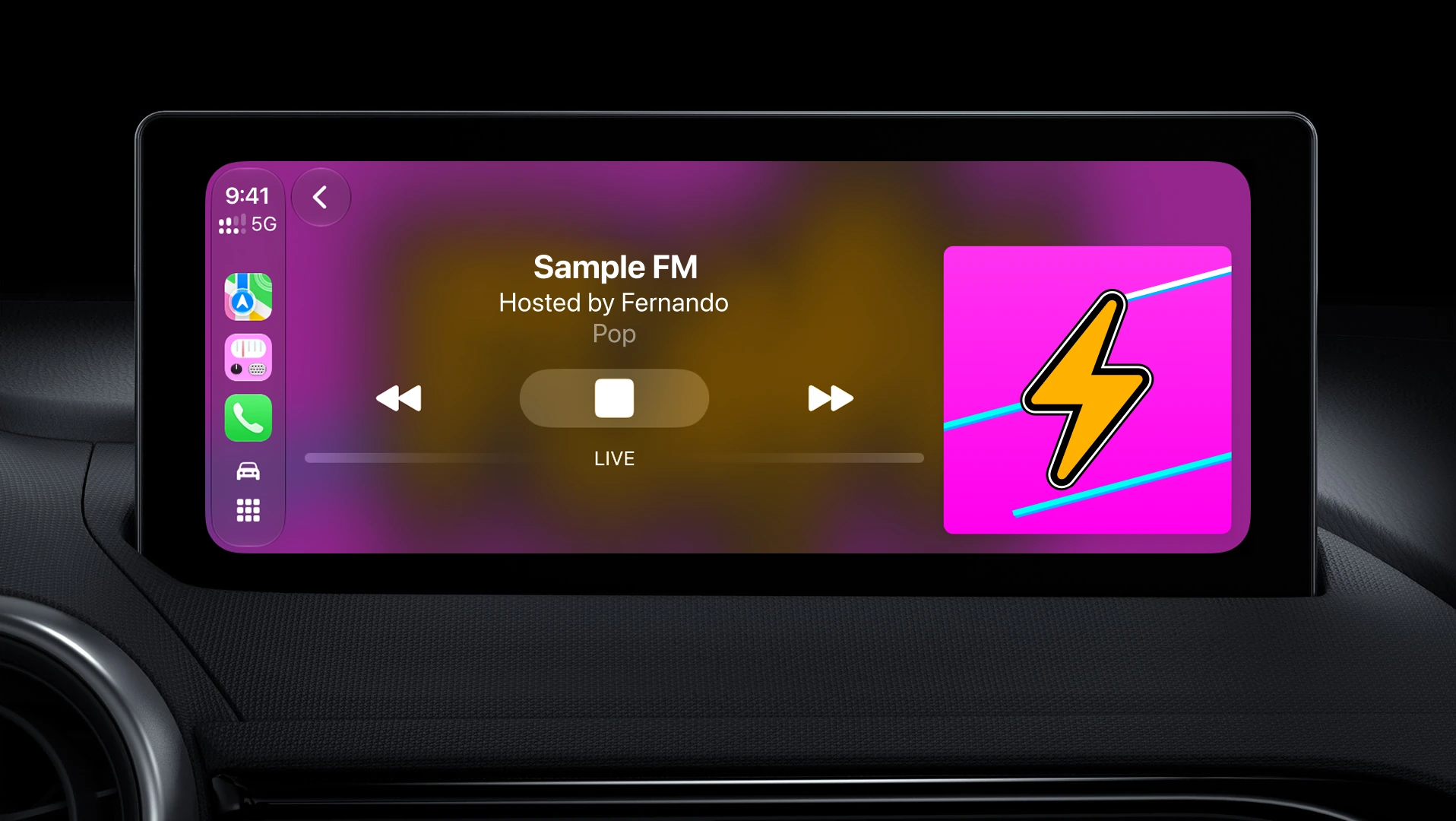
Fernando is built for CarPlay. Pick a station from the dash, keep both hands on the wheel, and let the drive do the rest.
Parked at your Mac, too
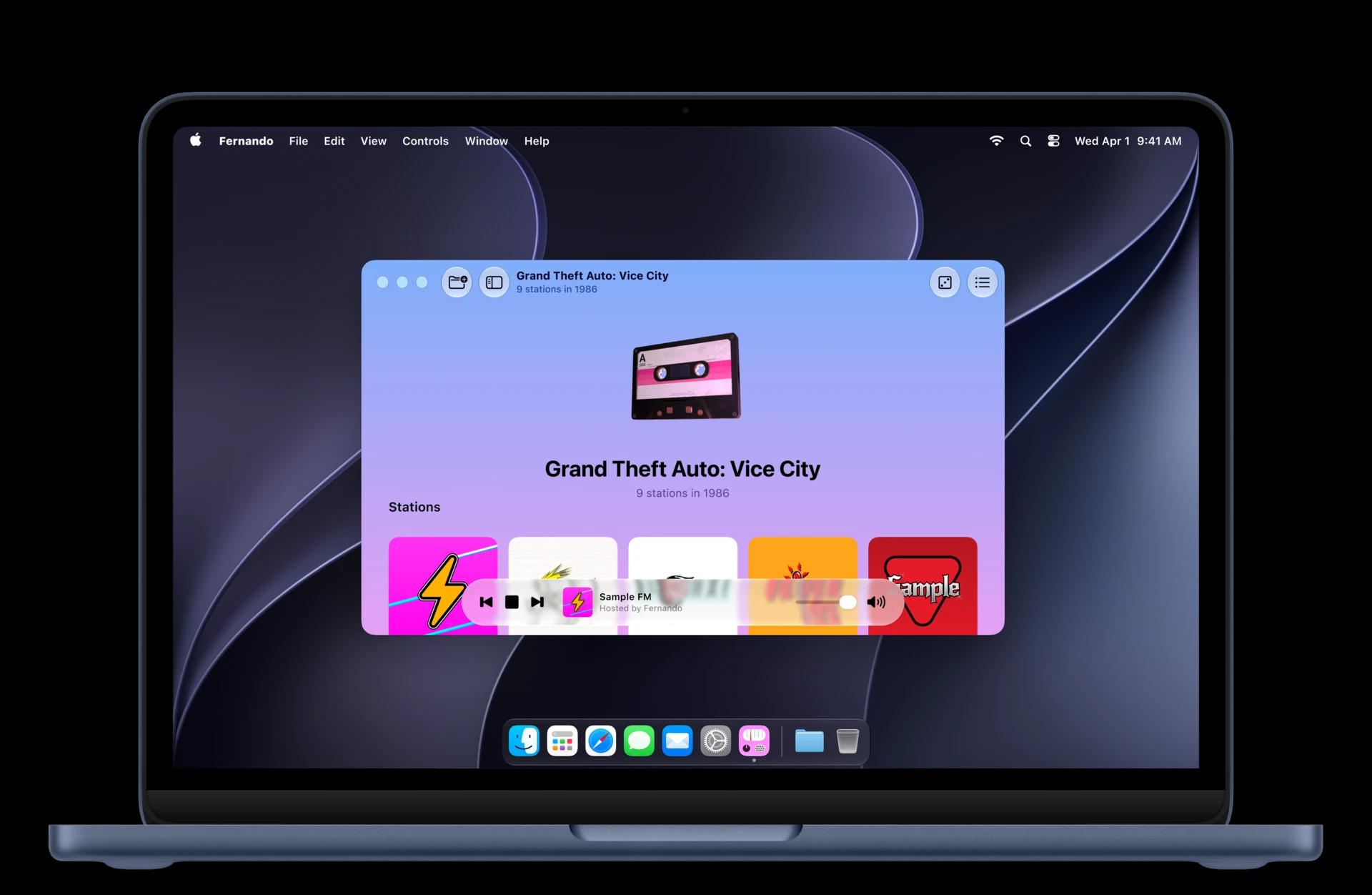
The same app runs natively on the Mac. Tune in, get back to work, and let the city keep you company.
Grab it on the App Store
Free, no accounts, no trackers. Requires iOS 18 or macOS 26 or later.
Version 1.3.2 October 9, 2026
Fernando now fits iPhone Duo, and names the song on the air.
- iPhone Duo: open, your library and a game sit side by side, split at the fold. Open or closed, every screen keeps clear of the fold and the status bar down the side.
- On iPhone and iPad, the player names the song on the air under its cover — title, artist and station — for Grand Theft Auto IV.
- CarPlay follows your car's light or dark appearance, so its text is readable in a car set to light.